HTML is a scripting language to create static websites. HTML stands for Hyper Text Markup Language. As abbreviation shows HTML is a scripting language. Regarding how to create a website from scratch using HTML I must tell you that HTML is not a difficult language and making static websites is quite easy.
Let us start creating a website from scratch using HTML.
Step 1: Open your favorite text editor like Notepad in Windows 10 or windows 11.
Step 2: Write the following code in it.
<html>
<head><title>My Page</title>
</head>
<body>
<h2>Hello World!</h2>
</body>
</html>
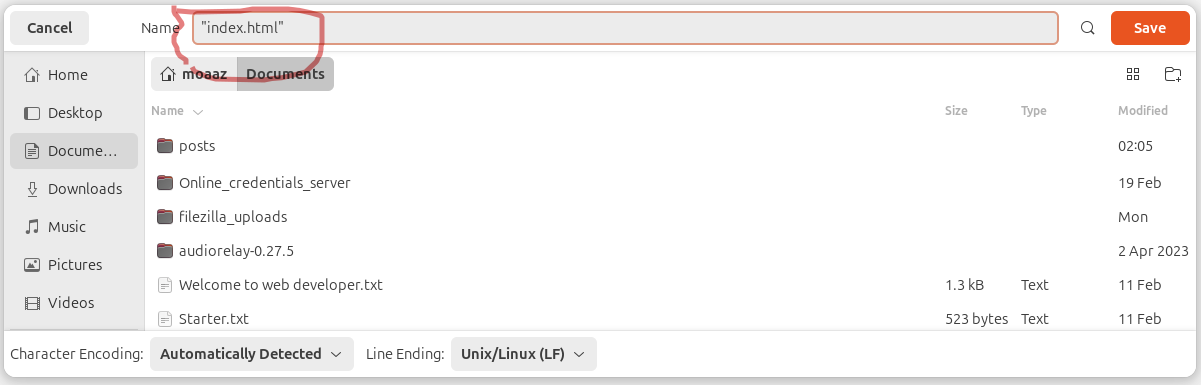
Step 3: Save this file with .html extension. For example if your file name is index then it will become index.html
Note: Sometimes extension does not change and file name becomes index.html.txt to solve this problem you must put commas before and after the name of file like "index.html".
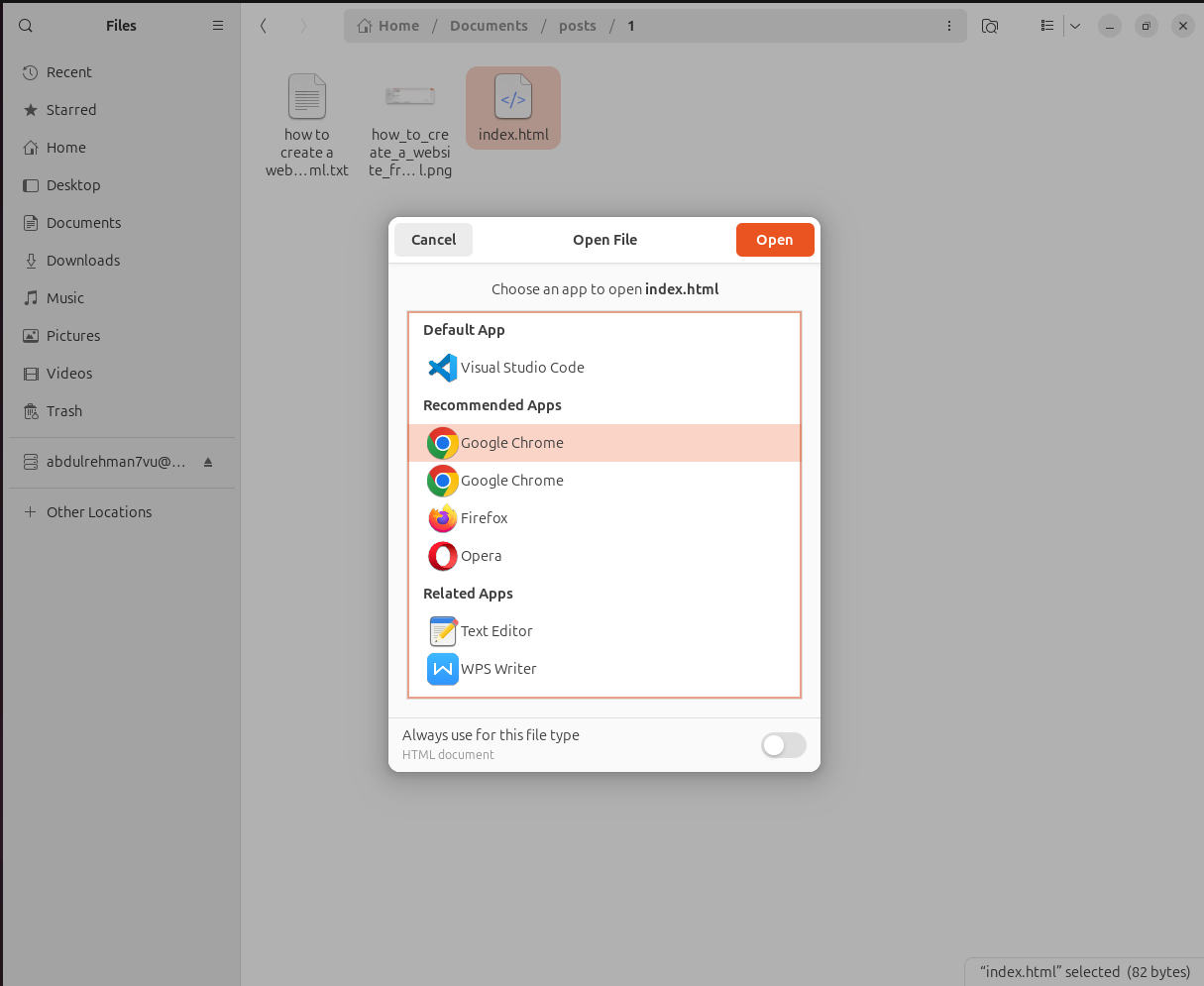
Step 4: Right click on your file and choose "open with chrome" or "open with firefox".
If all things are correct then you will see the following output.
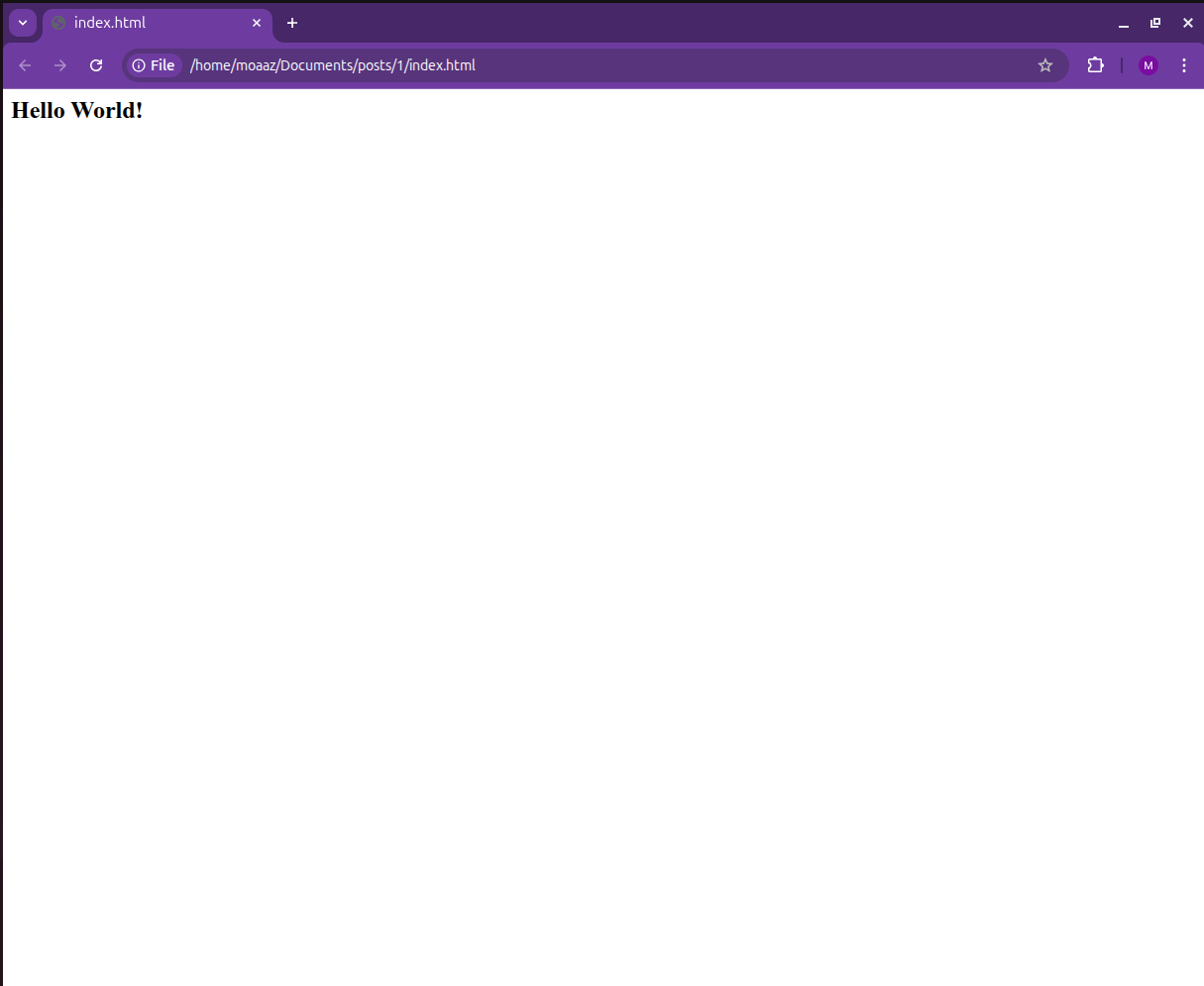
You can see we deployed our text "Hello World!" in HTML page.
<html></html>
The above code is standard code which tells the browser that this is a HTML page.
<head></head>
This is head section of HTML page. Here goes title and metas of a HTML page.
<body></body>
This is body section. All your text, data, presentation and description goes in this part. Keep on visiting this blog for more HTML learning resources.